
What it replaces
The till
The stock book
The timesheet
The spreadsheet for your accountant
SovranPOS takes the sale, moves the stock, records the hours and closes the day into your books. One login, one set of figures — at one counter or across several locations.
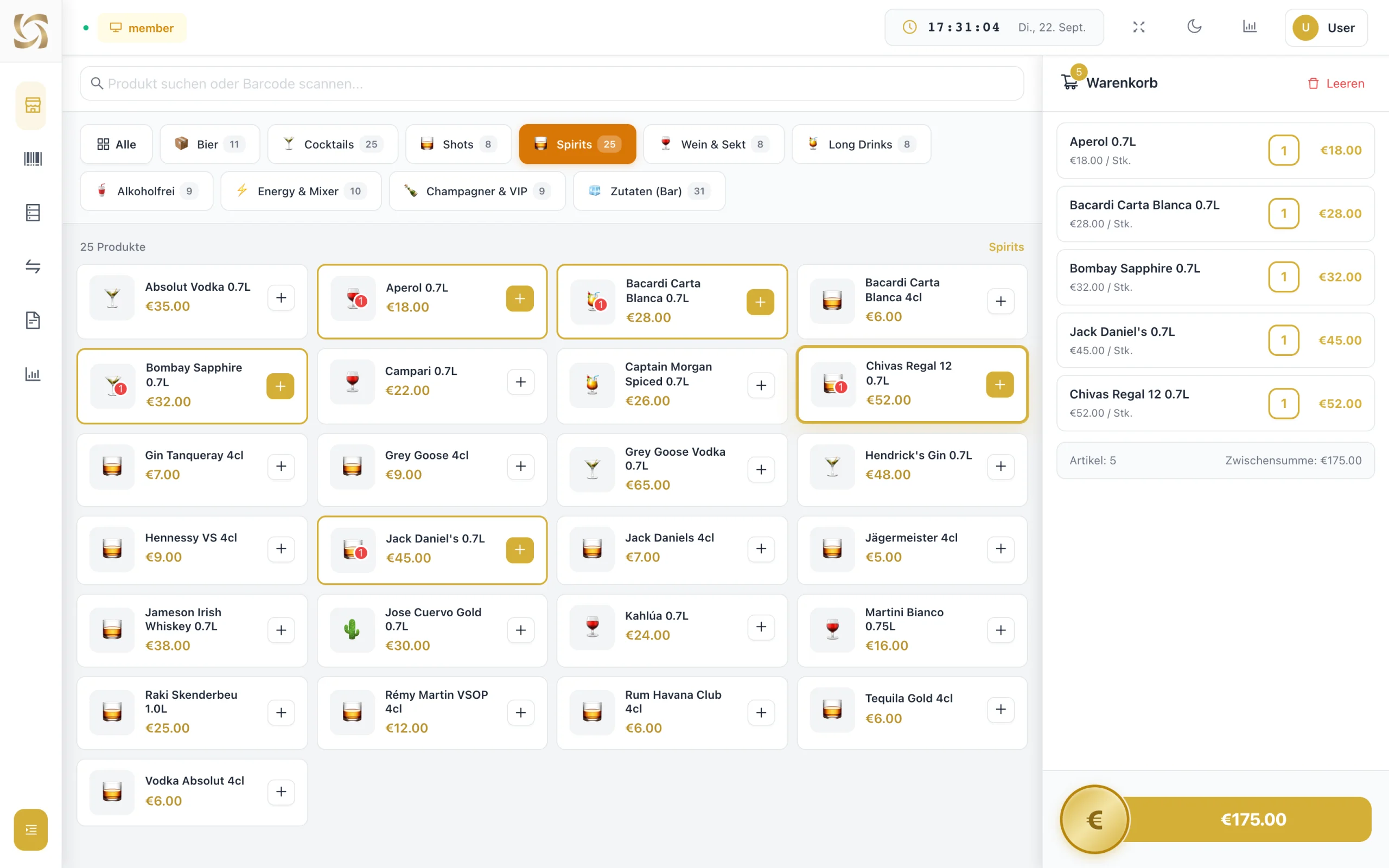
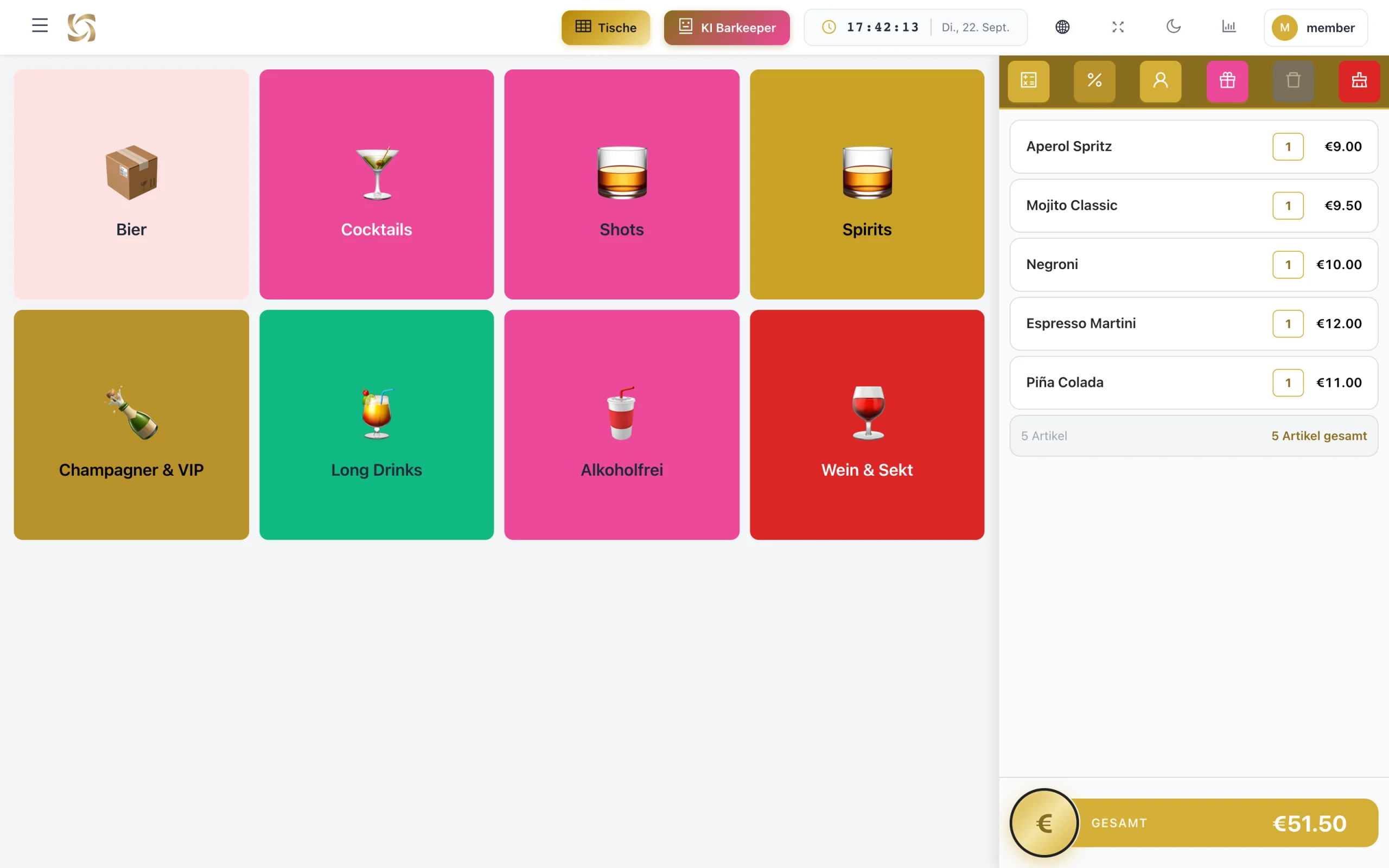
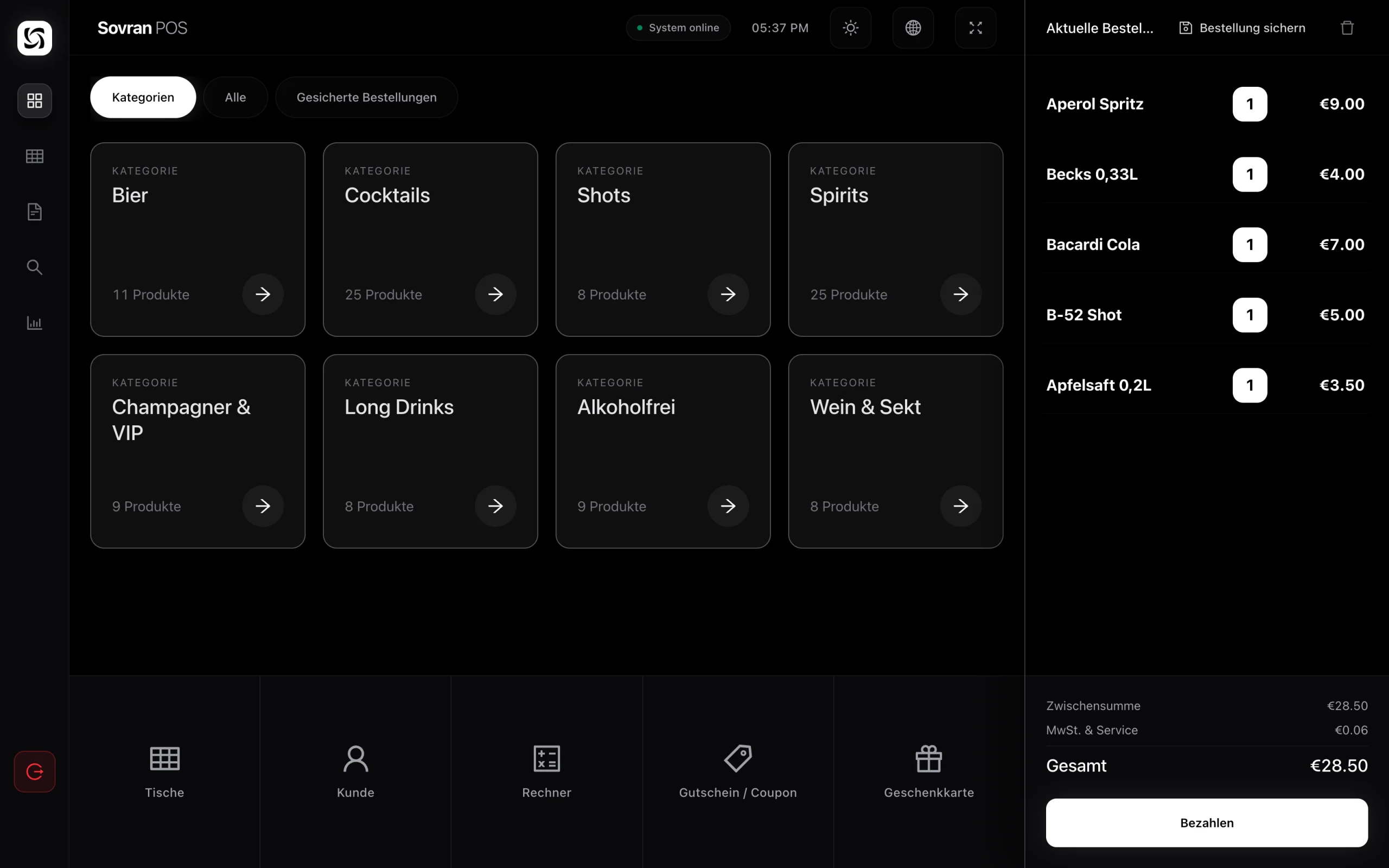
A till that keeps working after the receipt. Every sale draws down stock, carries the VAT and posts the revenue. At closing, the Z-report and the cash book already have the evening — nobody reconstructs it.
It runs in the browser on the device already on the counter: tablet, laptop or screen. There is an app for Android, iPhone, iPad and desktop. Receipt printer, cash drawer and card terminal connect directly.
Alongside the browser there is an app for Android, iPhone and iPad, and for desktop. Same account, same figures — built for the counter rather than for a desk.
The till opens with a four-digit PIN, not an email and a password. A change of shift takes seconds.
Open a table, move it, settle it — at the guest, not back at the counter.
Past receipts and the end-of-shift close are in the app, not only in the browser.
Count the stock standing in the room, device in hand. The figures are in the system before you sit down.
A sale on the phone and a sale in the browser land in the same figures. Nothing to reconcile.
The app updates itself when a new version is out. Nobody installs anything by hand.
Not less work at the counter — less work afterwards.
The till opens in the browser on any device. If one screen dies mid-service, the next device takes over and the sale carries on.
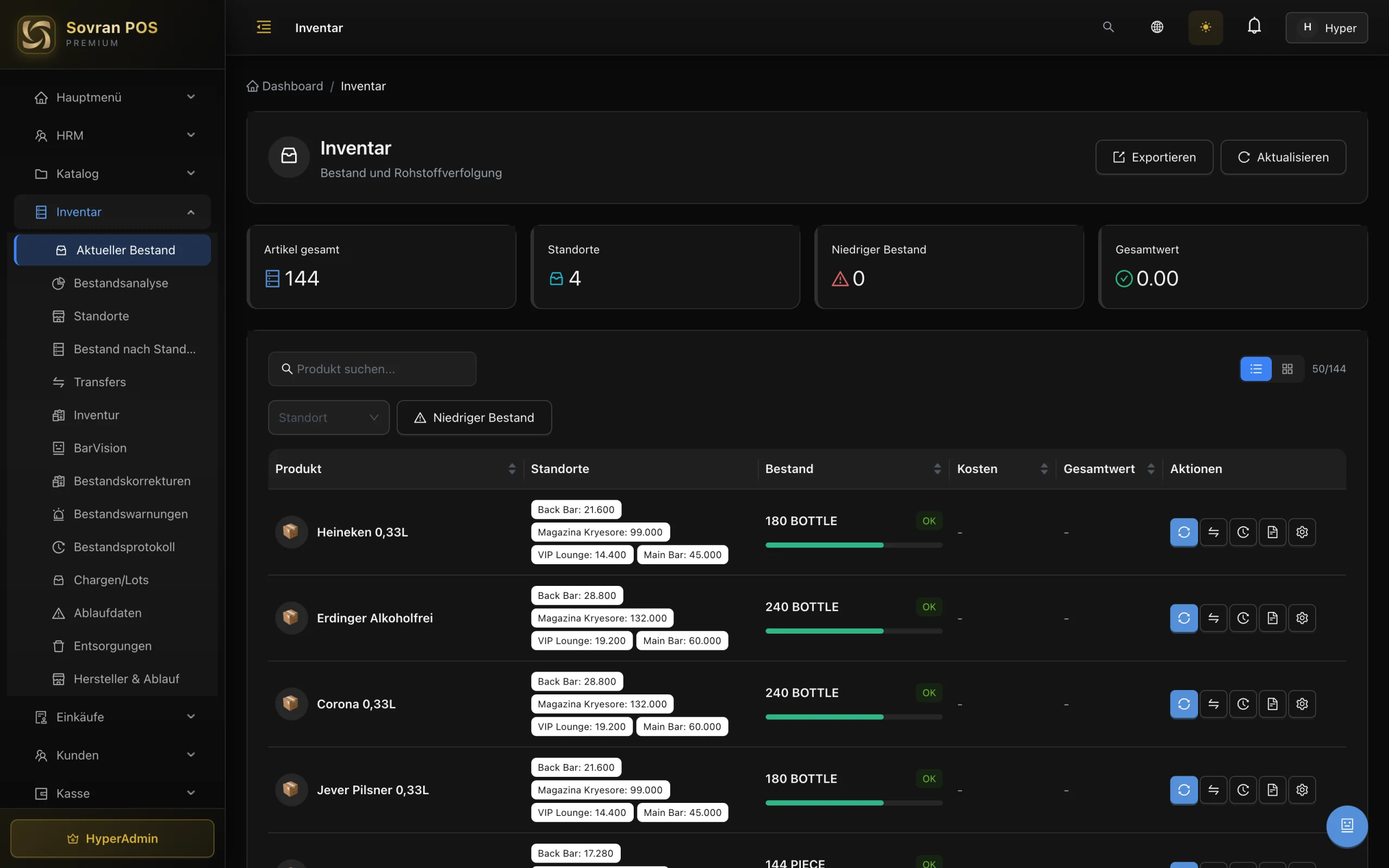
Every sale and every purchase moves the stock. At night you see what is really there — not what should be.
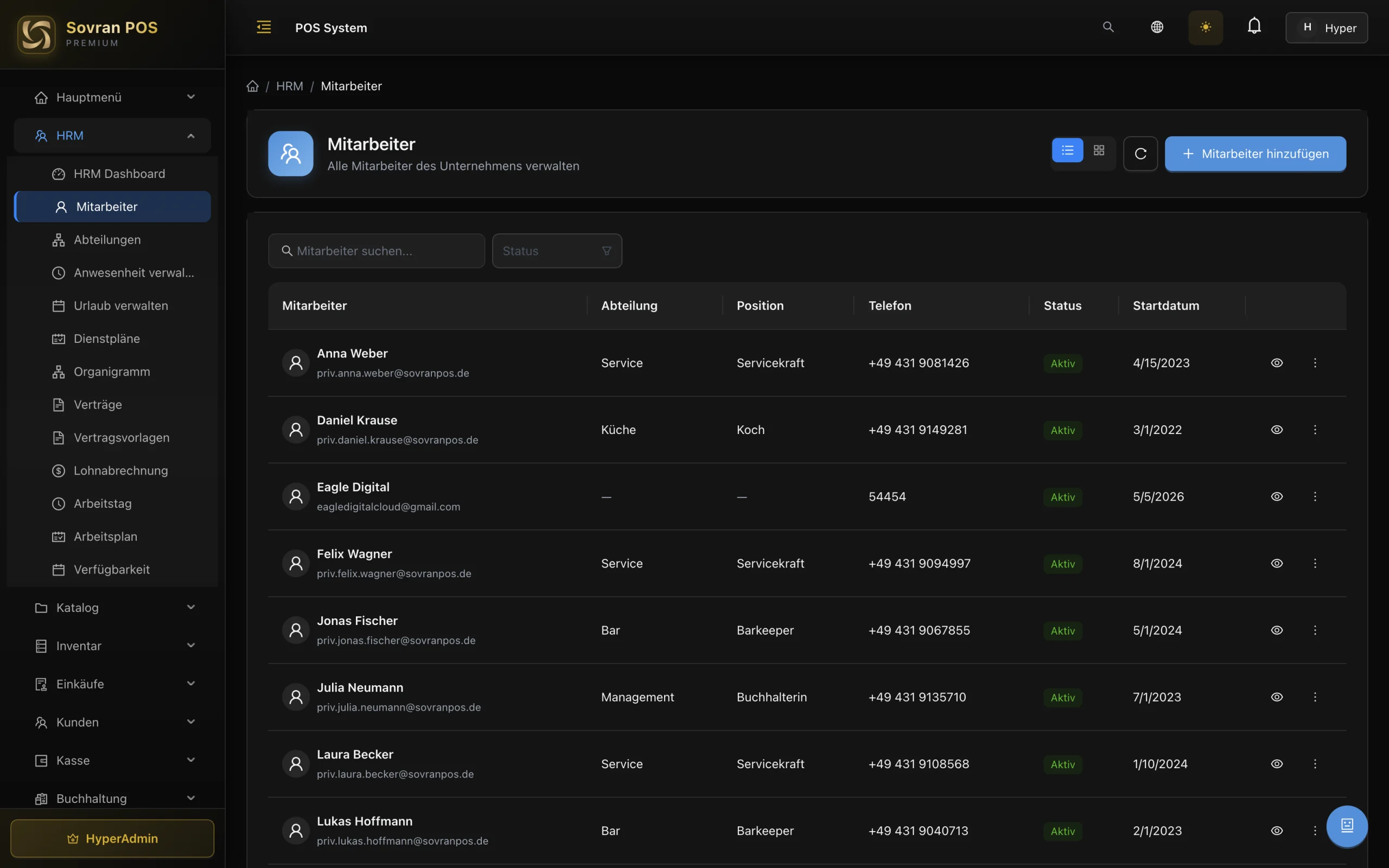
The time clock and the rota run in the same system. Payroll finds its figures instead of chasing them.
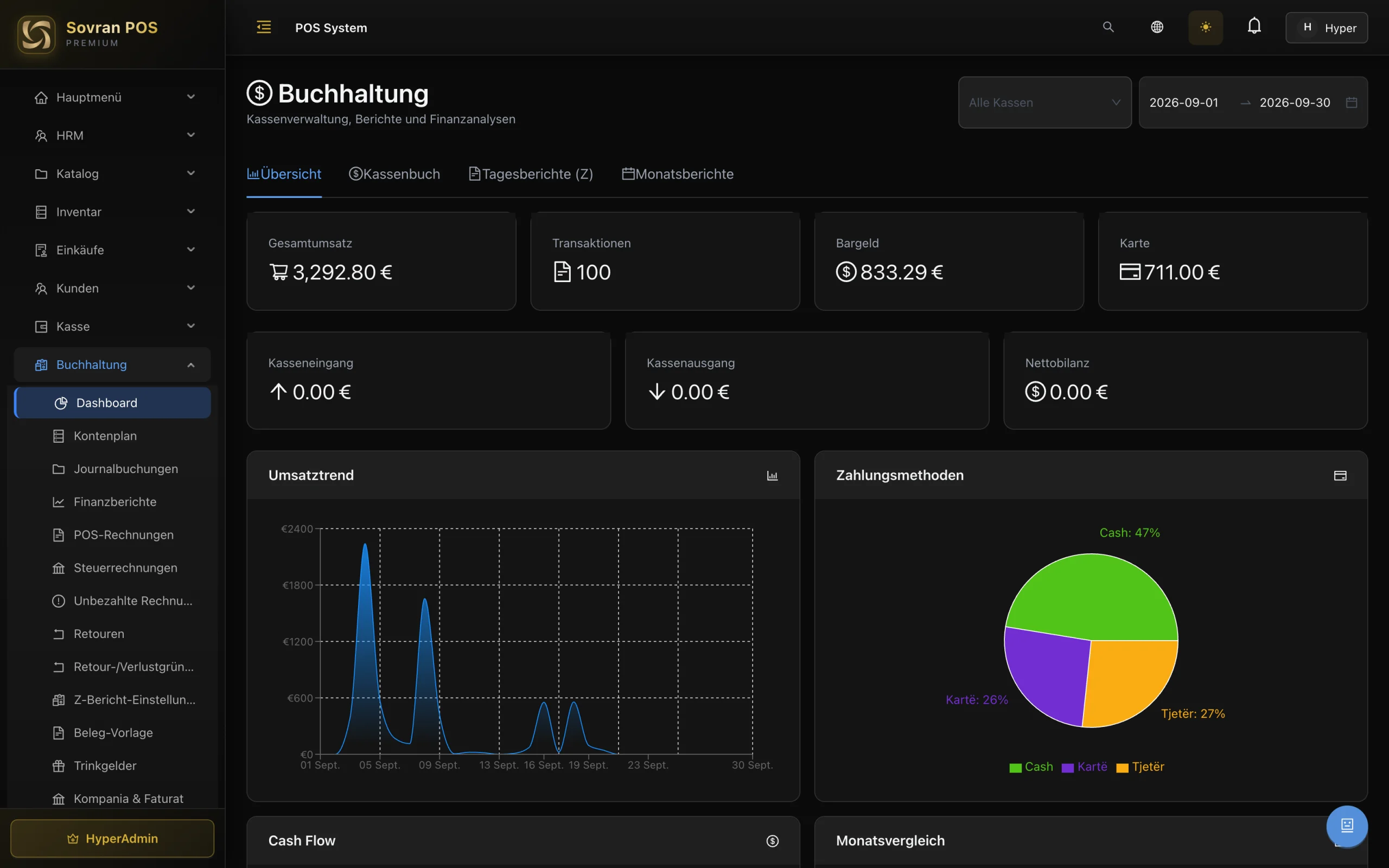
The daily close posts to the cash book by itself. At month end you hand over the file instead of rebuilding it.
Another till, another room, another location: same system, same figures. Nothing has to be migrated.
Requests go straight to the team that builds and runs the system.
Start at the till and add what you need as you grow — stock, staff, purchasing, accounting. Everything you don't need stays off.
Selling the way you sell — at the counter, at the table or at the bar.
What you have, where it is, and what needs reordering.
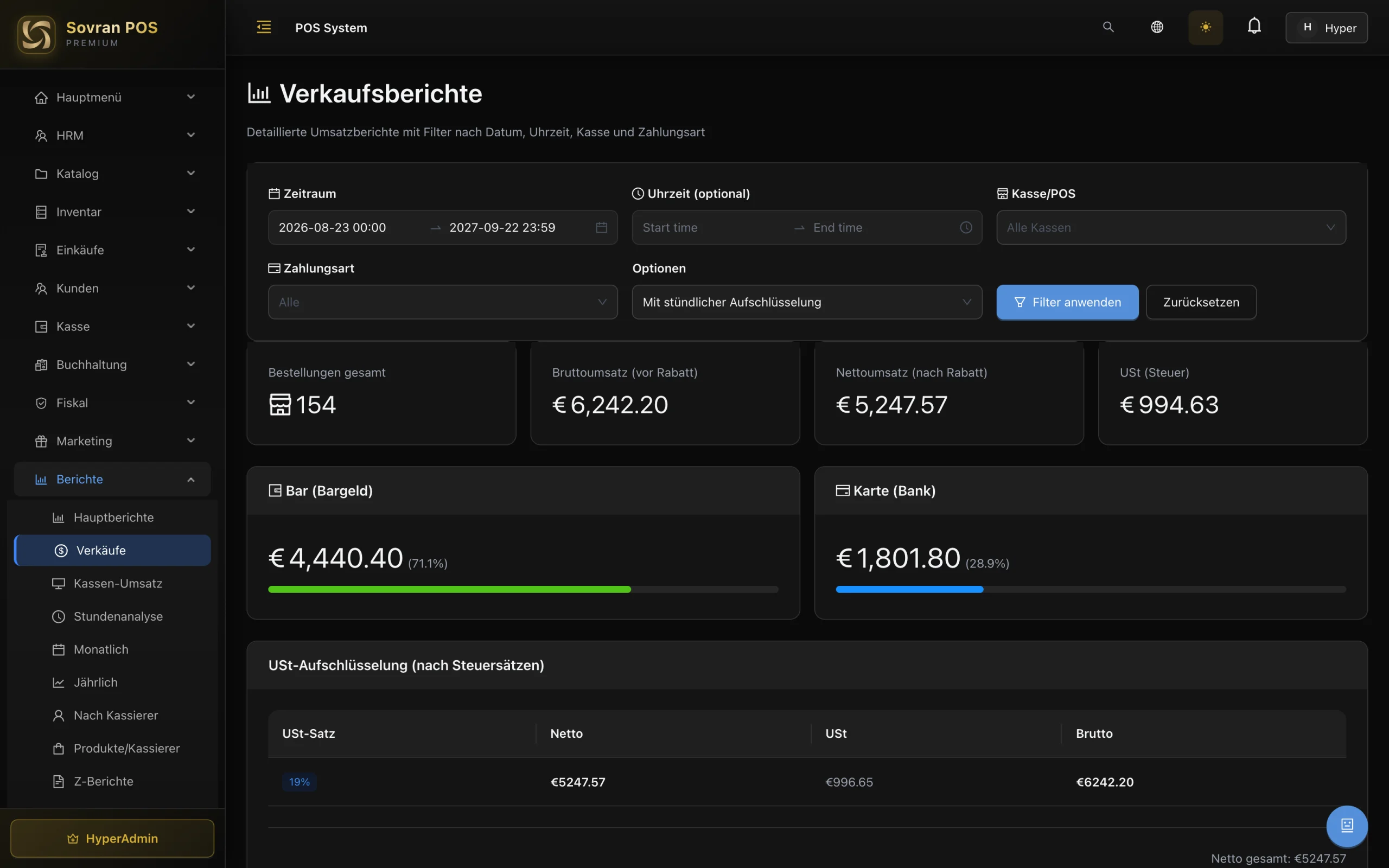
What the day took, what the month did, and what goes to the tax office.
From the shift plan to payroll.
What the till writes goes straight into the books.
The panels above are the core of the system. Below is every module, grouped by area, with a page of its own: what it adds, which screens it opens and what it needs.
Selling the way you sell — at the counter, at the table or at the bar.
What you have, where it is, and what needs reordering.
What the day took, what the month did, and what goes to the tax office.
Who comes back, and what you can give them.
From the shift plan to payroll.
What the till writes goes straight into the books.
Germany is the only fiscal country we offer today. What the German till does
Ask in plain words and you get an answer and a look ahead.
What you set up once — and then it runs.
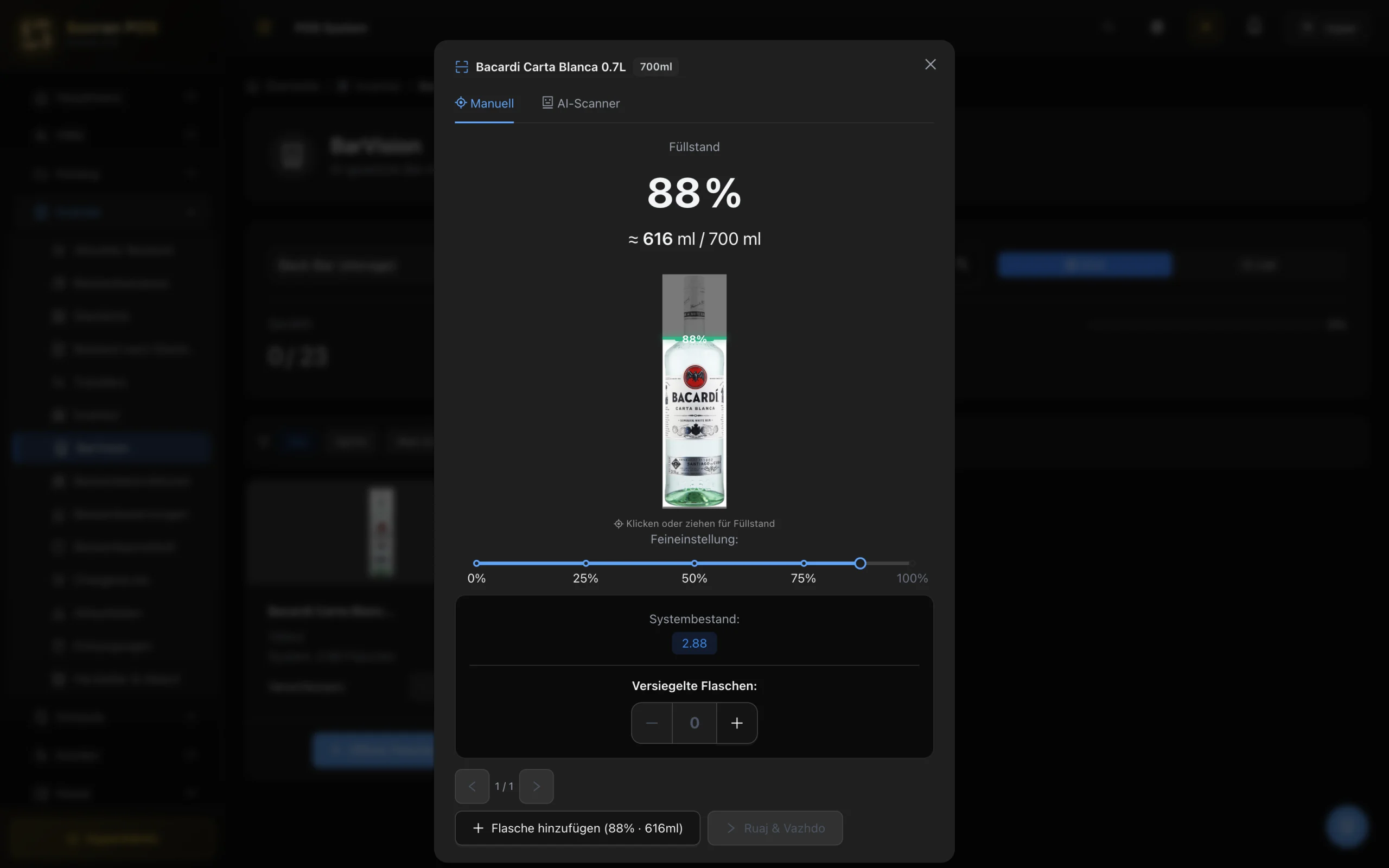
Bar Vision reads the level off the bottle — the bar counts itself.
Point the camera at the bottle: the level is read off it and worked out in millilitres. What the system expects sits right beside it.
Not on a sample menu — we show you the till on your own menu, with no obligation.